Shift BED/GFF
Shift coordinate intervals up/downstream.
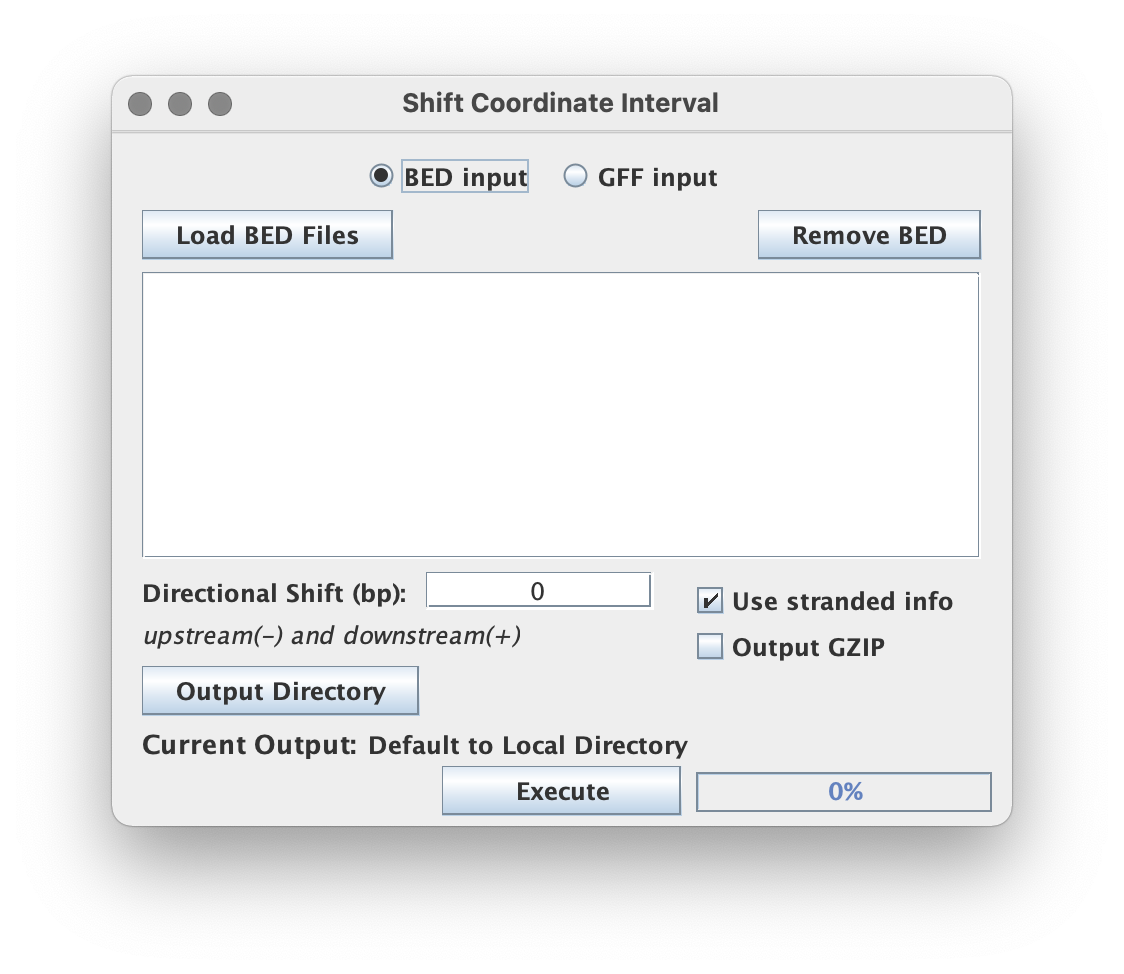
Related to the Bedtools shift function.
Input format (BED or GFF)
Use the radio buttons in the GUI or the --gff flag in the CLI to specify which format the to parse the provided input as (BED-format or GFF-format).
Shift options
-
Directional shift (bp) - An upstream shift is indicated with a positive integer while a downstream shift is indicated with a negative integer.
-
Use stranded info - By default this upstream and downstream shift is set with respect to the coordinate strand but can be forced to shift according to the genomic reference when this box is unchecked.
Output format
For each input BED/GFF file, a new BED/GFF file is created with the original filename that has been stripped of its original extension and replaced with the *_shift<+or-><sizeofexpansion>bp.bed/gff suffix.
Output GZip
Toggling this allows the user to write output to a compressed file format using a general compression (gzip) which has the added advantage of speeding up the execution time by shrinking the I/O load (esp for large output). The .gz extension will be appended as appropriate.
Command Line Interface
Usage:
java -jar ScriptManager.jar coordinate-manipulation shift-coord [-huVz] [--gff]
[-o=<outputFilepath>] [-t=<shift>] <input>
Positional Input
This tool takes a single BED file for input.
Output Options
| Option | Description |
|---|---|
-o, --output=<outputFilepath> | specify output filepath (default input filename with _shiftXXXbp.bed/gff) |
-z, --gzip | gzip output (default=false) |
--gff | input is GFF format (default=BED format) |
Shift Options
| Option | Description |
|---|---|
-t, --shift=<shift> | shift distance in bp, upstream < 0 and downstream > 0 (default=0) |
-u, --unstranded | don't force strandedness (default=forced) |