Expand GFF File

Expands input GFF file by adding positions to the border or around the center
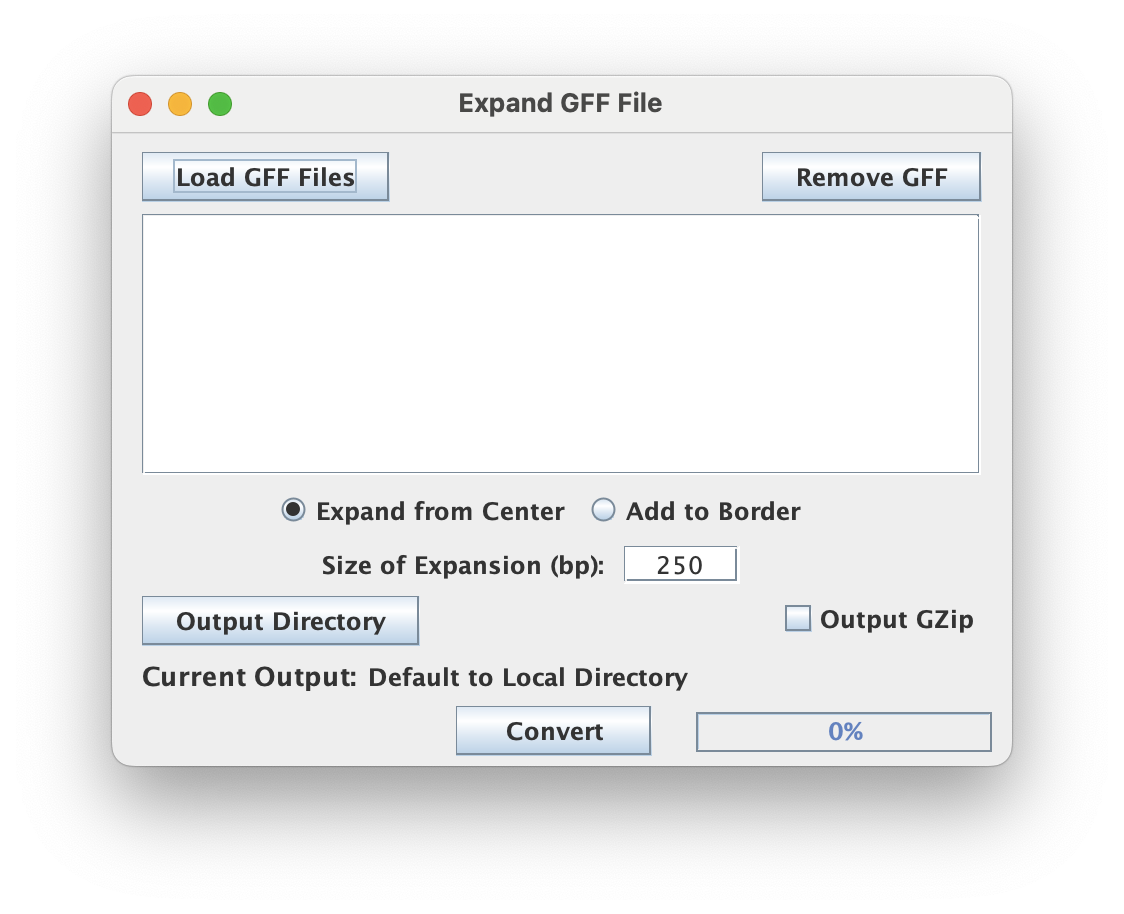
File input (GFF)
This script processes GFF-type files so make sure your input is properly formatted and uses the appropriate .gff/.gtf extension if you are working from the GUI.
Expansion strategy & size
Depending on the strategy selected, the "Size of Expansion" (in bp) can mean different things.
- Expand from Center: The figure at the top of the page illustrates the "expand from center" expansion strategy where the midpoint is determined by script and then the window is expanded evenly on both sides of the midpoint to the size of expansion specified by the user. This results in a BED file with intervals of a fixed length.
- Add to Border: This strategy pads both sides of the borders of the input intervals by a fixed amount specified by the user ("Size of Expansion"). Depending on whether or not the input BED file contains intervals of a fixed length, the resulting expansions will not necessarily include intervals of a fixed length.
Output format
For each input GFF file, a new GFF file is created with the original filename and a *_<sizeofexpansion>bp.gff suffix.
Output GZip
Toggling this allows the user to write output to a compressed file format using a general compression (gzip) which has the added advantage of speeding up the execution time by shrinking the I/O load (esp for large output). The .gz extension will be appended as appropriate.
Command Line Interface
Usage:
java -jar ScriptManager.jar coordinate-manipulation expand-gff [-hsV] [-b=<border>]
[-c=<center>] [-o=<output>] <gffFile>
Positional Input
This tool takes a single GFF file for input.
Output Options
| Option | Description |
|---|---|
-o, --output | specify output filename (default name will be same as original with expansion info and .gff ext) |
-s, --stdout | output bed to STDOUT |
-z, --gzip | gzip output (default=false) |
Expansion Options
| Option | Description |
|---|---|
-c, --center | expand from center (default, at 250bp) |
-b, --border | add to border |